Homepage Wireframe
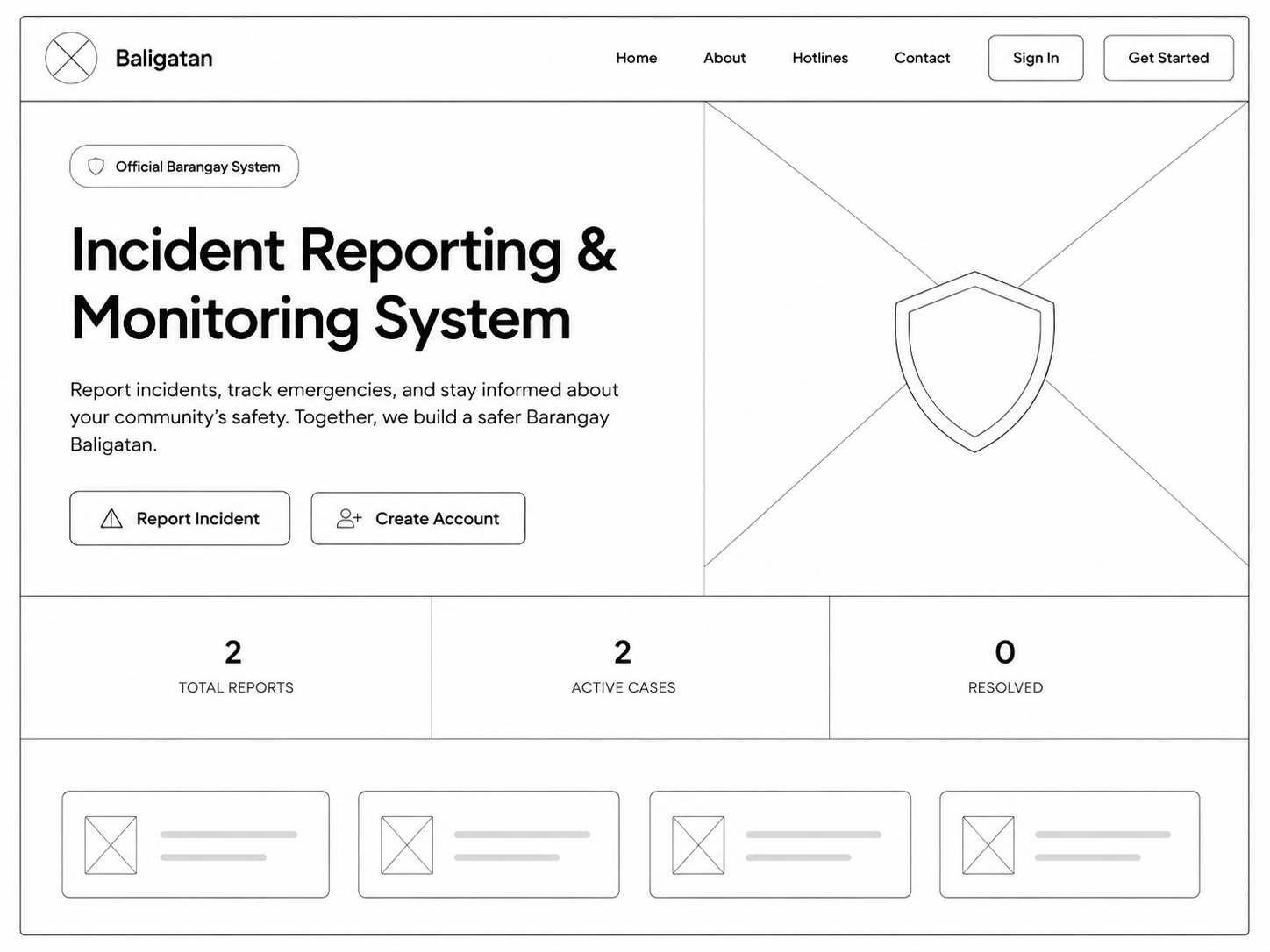
Figure 3.1: Homepage Wireframe — features navigation bar, hero section with CTA buttons, statistics cards, and emergency hotlines section.
Login Page Wireframe
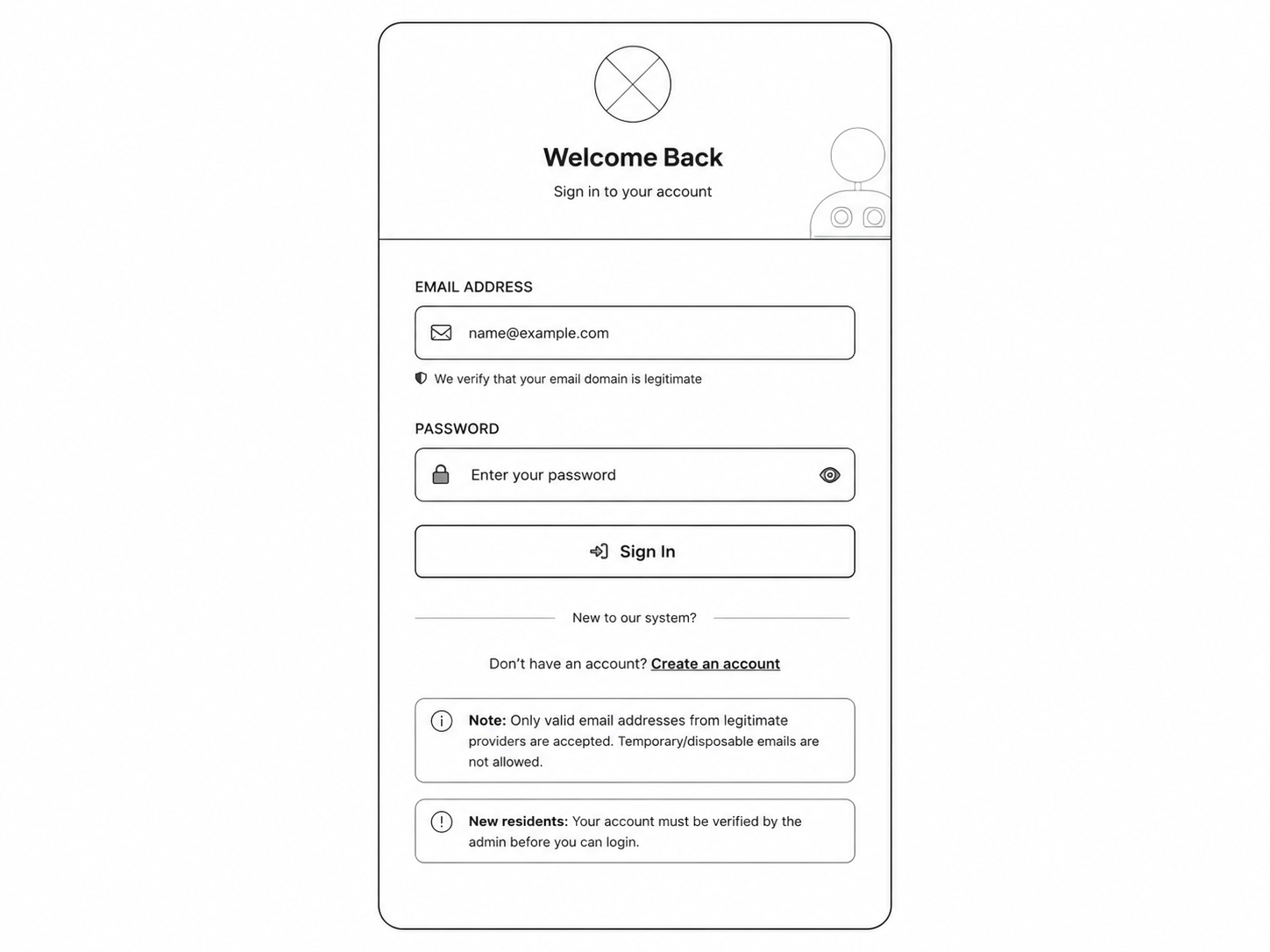
Figure 3.2: Login Page with email/password fields, remember me option, and forgot password link.
Register Account Wireframe
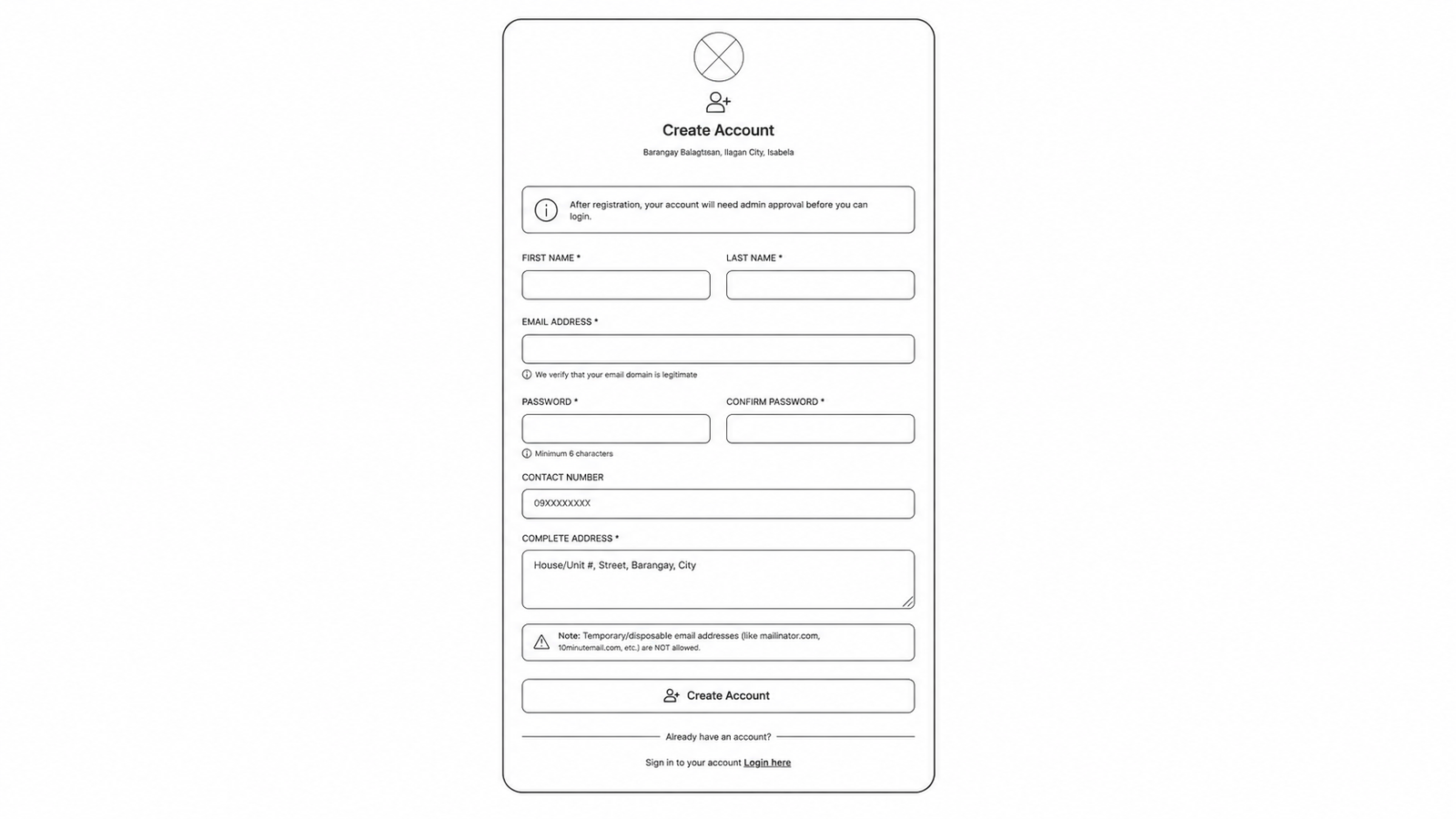
Figure 3.3: Registration page with name, email, password fields and address information.
Admin Dashboard Wireframe
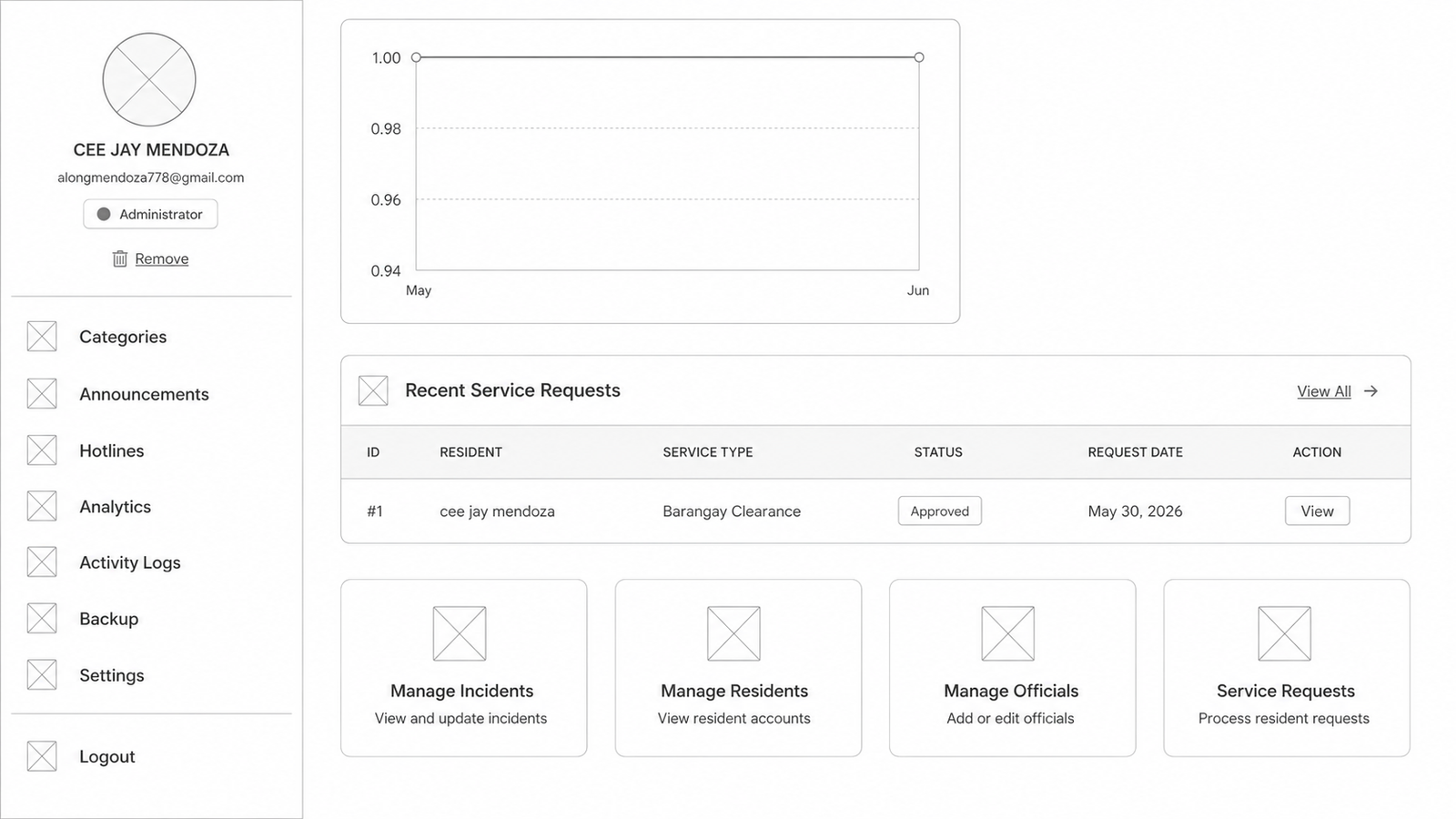
Admin dashboard with sidebar navigation, statistics cards, and management panels.
Official Dashboard Wireframe
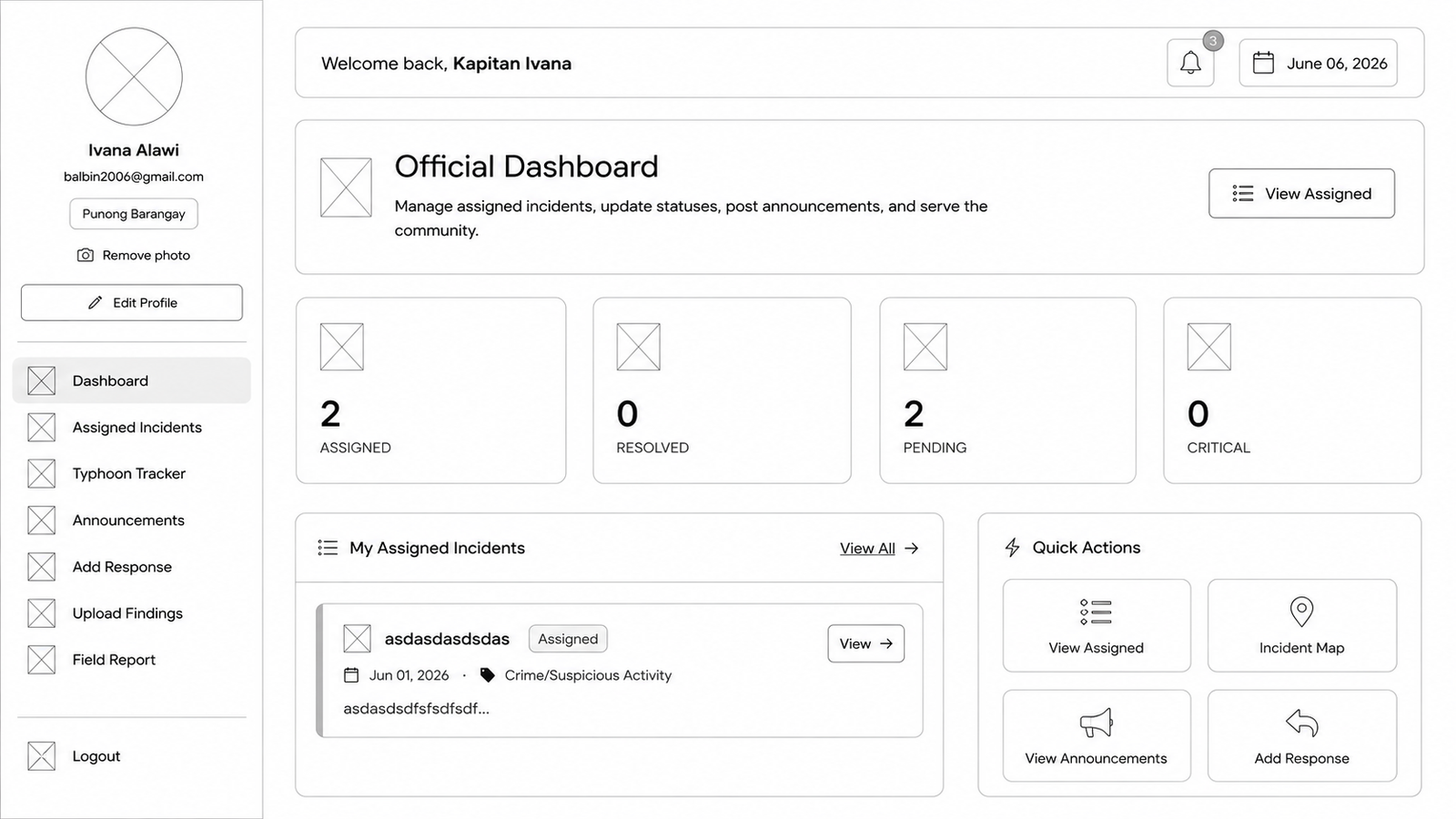
Official dashboard showing assigned incidents, performance metrics, and case management.
Resident Dashboard Wireframe
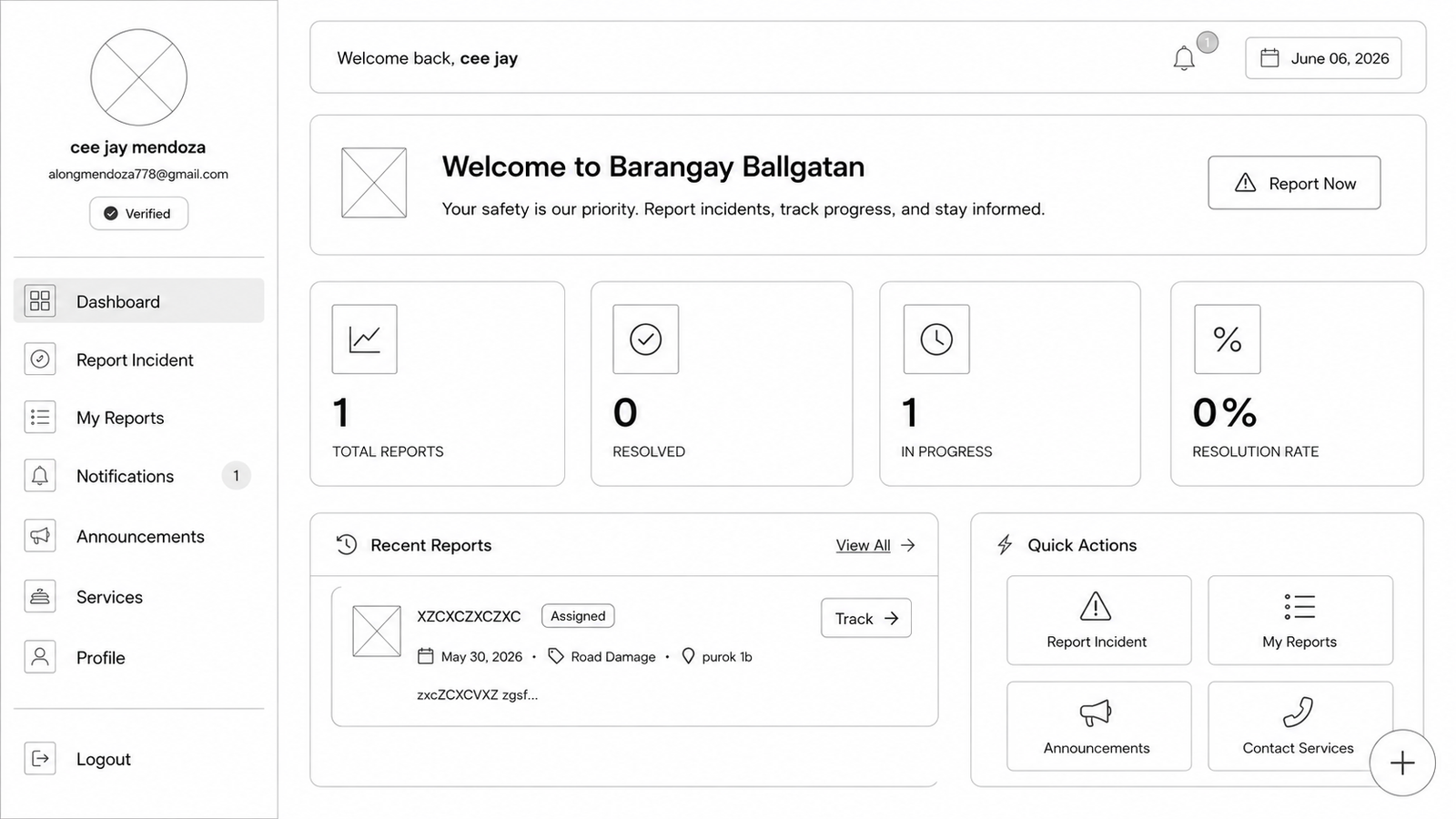
Resident dashboard showing report history, notifications, and service requests.
Hotlines Page Wireframe
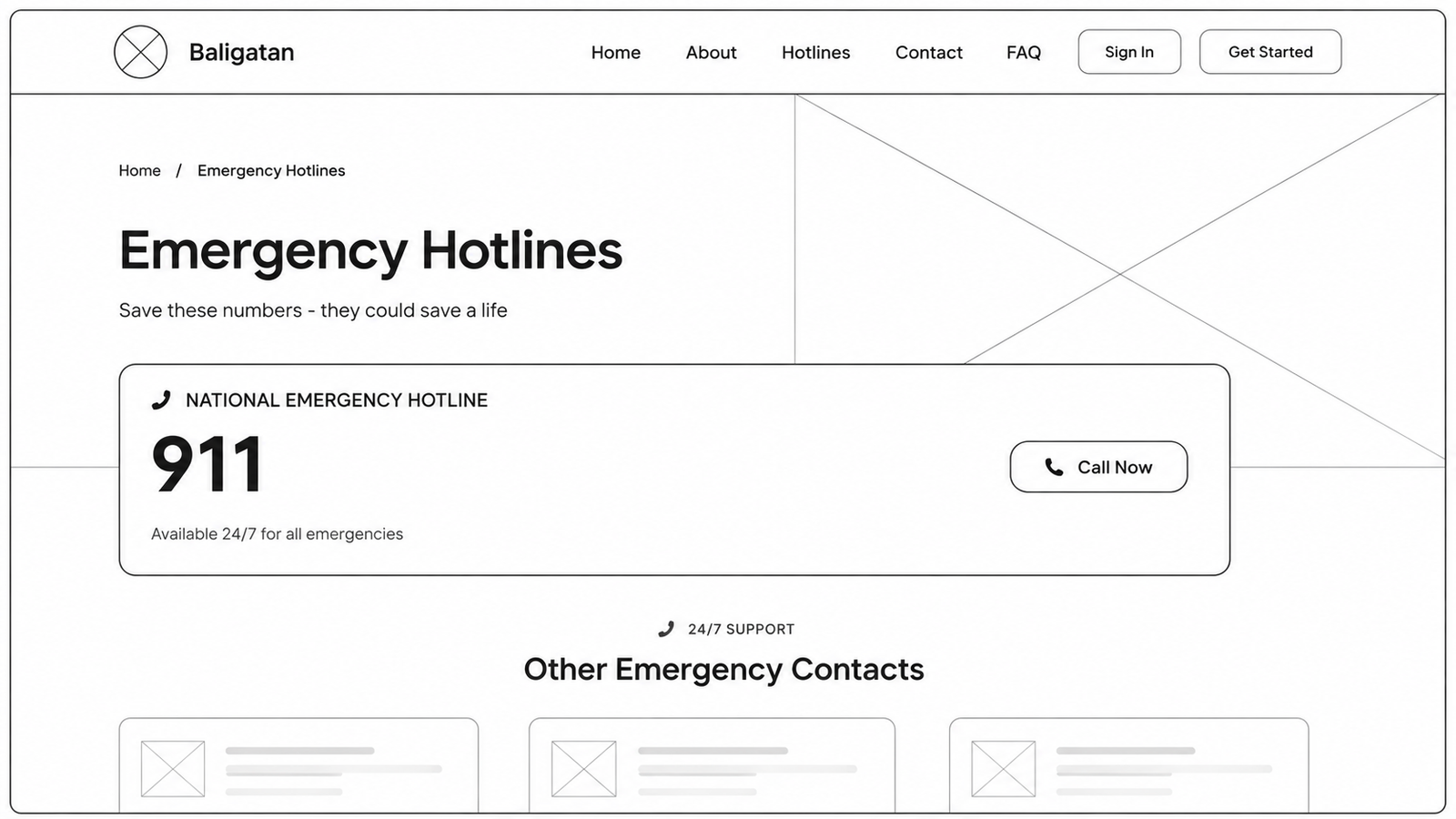
Emergency hotlines page displaying contact numbers for quick access during emergencies.
About Page Wireframe
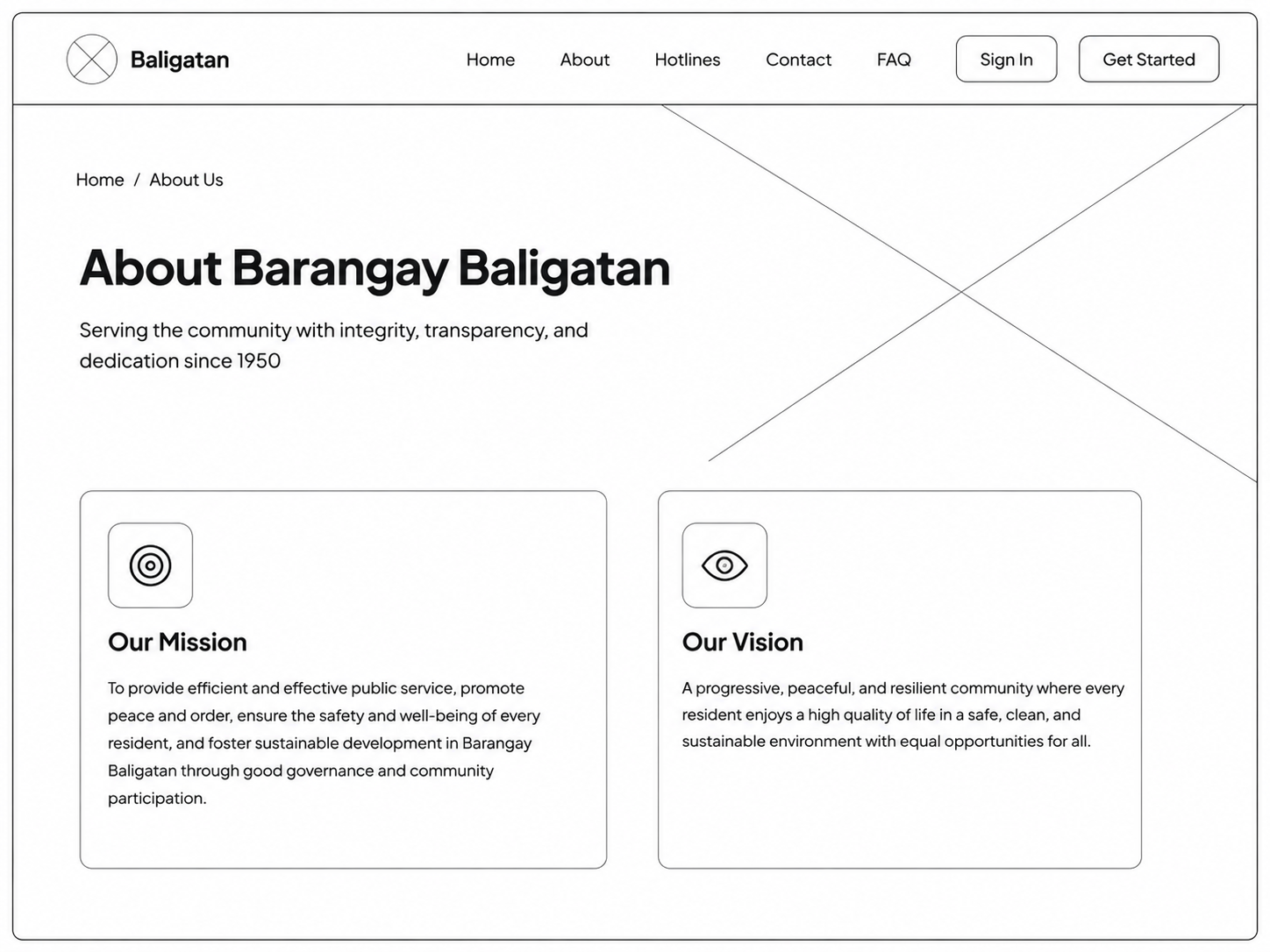
About page showing barangay information, mission, vision, and officials.
Analytics Dashboard
Analytics dashboard showing incident trends, statistics, and performance metrics.
UI Components Library
Figure 3.4: UI Components Library — standardized components used throughout the system.